Whatsapp Marketing
Create WhatsApp Bot for Free in 5 Mins With No Code (2025)
Learn how to create a WhatsApp bot in 5 minutes with easy steps. Discover WhatsApp integration tips, explore use cases & get a chatbot demo with free trail.

WhatsApp Business has become a very powerful tool for businesses to reach their customers effectively. With nearly everyone using mobile phones, WhatsApp Business gives you a direct way to connect with your audience through the app.
One of its standout features is the Business Catalog. This tool helps showcase your products and services, simplifying them so customers can explore and purchase them.
But how do you set it up and optimise it for maximum sales?
Let’s explore the steps you can take to ensure your catalog stands out.
A WhatsApp Business Catalog is a feature within the WhatsApp Business app that enables businesses to showcase their products or services directly. It acts as a mobile storefront, allowing companies to display product images, descriptions, and prices.
Customers can easily browse the offerings, ask questions, and make purchases within the app, providing a seamless shopping experience.
This feature is beneficial, especially for small businesses seeking to engage with their audience more interactively.
WhatsApp is a significant business opportunity, with over 2.96 billion monthly active users worldwide. The platform facilitates direct customer communication, making engaging and building relationships easier.
Here are some key benefits of incorporating a WhatsApp Business Catalog:
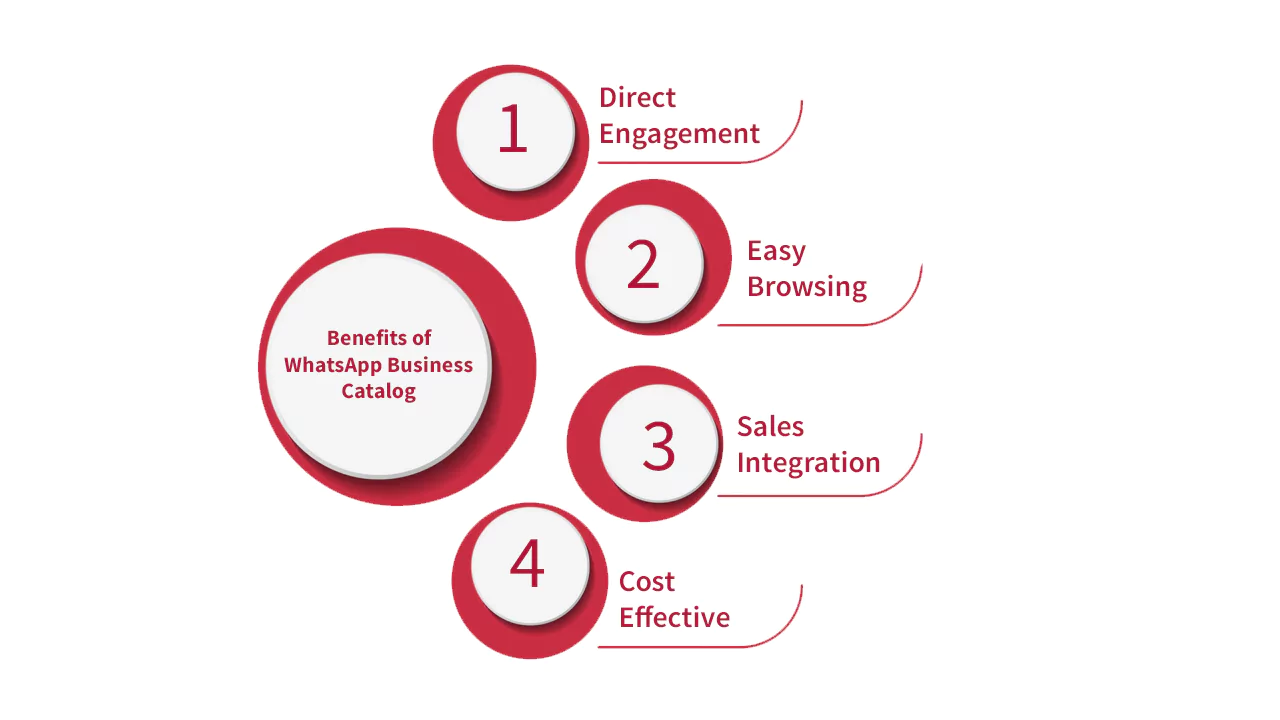
If you haven’t already done so, download the WhatsApp Business app. It’s available on both iOS and Android. This version of WhatsApp is tailored specifically for businesses.
After downloading the app, set up your business profile. This profile acts as your digital storefront. Include important details such as:
Once your profile is set up, navigate to the “Business Tools” section. Here, you will find the “Catalog” option. Tap on it to start creating your catalog.
You can now start adding products or services to your catalog. Click on “Add Product or Service” and fill out the necessary information:
To enhance user experience, organise your catalog logically. Create categories for your products or services. This makes it easier for customers to find what they are looking for. Examples of categories could be:
Utilising the variants feature if you offer multiple product variants, such as sizes or colours. This allows customers to choose their preferred option without leaving the catalog. Make sure to:
Before launching your catalog, review WhatsApp’s policies and ensure your content complies with its guidelines. This can prevent issues later.
Now that your catalog is set up, optimising it for maximum visibility and sales is time.
Review your catalog regularly for accuracy and ensure that product availability, prices, and descriptions are always up to date. An accurate and current catalog helps build trust with customers.
Managing these updates can be challenging, but integrating project management software alongside your WhatsApp Business Catalog can streamline the process. It allows for efficient tracking of updates, promotions, and customer communications, ensuring your catalog remains organised and reliable.
Incorporate relevant keywords in your product names and descriptions. This improves searchability within WhatsApp. Consider the terms your potential customers will likely use when searching for the product or service.
Share your catalog with your audience. Use social media platforms to drive traffic to your WhatsApp Business profile. Consider the following methods:
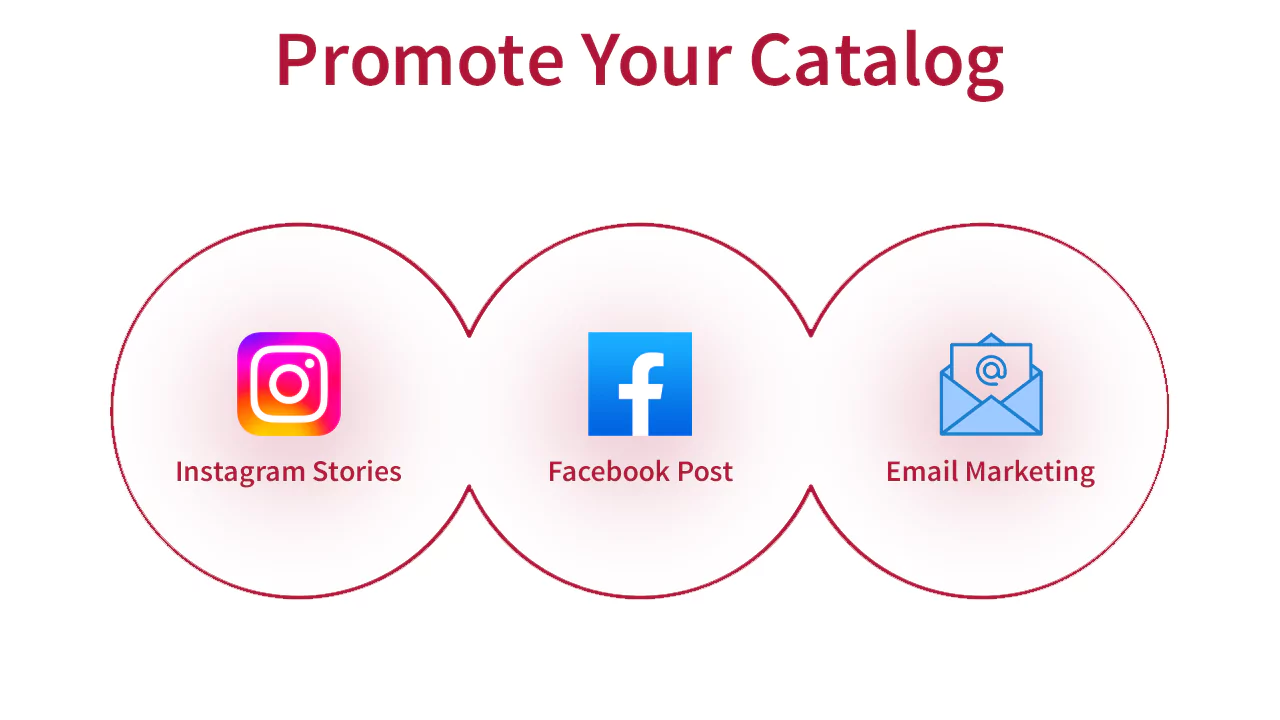
Use the chat feature to engage with customers. Assist customers by answering their product questions and helping them with purchases. Personal interaction increases the likelihood of a sale.
Generate a catalog link that you can share with potential customers. This link directs them straight to your catalog, making it easy for them to browse and buy. Share this link on your website, social media, and email newsletters.
Encourage customers to leave feedback on your products. This builds credibility and provides insights into what works and what doesn’t. Use this feedback to improve your offerings.
To facilitate customer feedback, use the best QR code generator to create scannable links to your review page or feedback form. Include these QR codes on product packaging or receipts.
WhatsApp Business provides insights into how customers interact with your catalog. Monitor metrics like views and clicks to understand customer behaviour. Use this data to refine your catalog and marketing strategies.
Use WhatsApp Story Feature for your business to showcase your products and services. Share updates about new items, special promotions, or behind-the-scenes content. Status updates disappear after 24 hours, creating a sense of urgency.
As you set up your WhatsApp Business Catalog, have you considered the potential mistakes that could limit your success? Avoiding these common pitfalls is crucial for creating an effective catalog that attracts and retains customers.
Here are some key errors to watch out for:
By implementing advanced strategies, you can elevate customer engagement and turn your WhatsApp Business Catalog into a powerful sales engine.
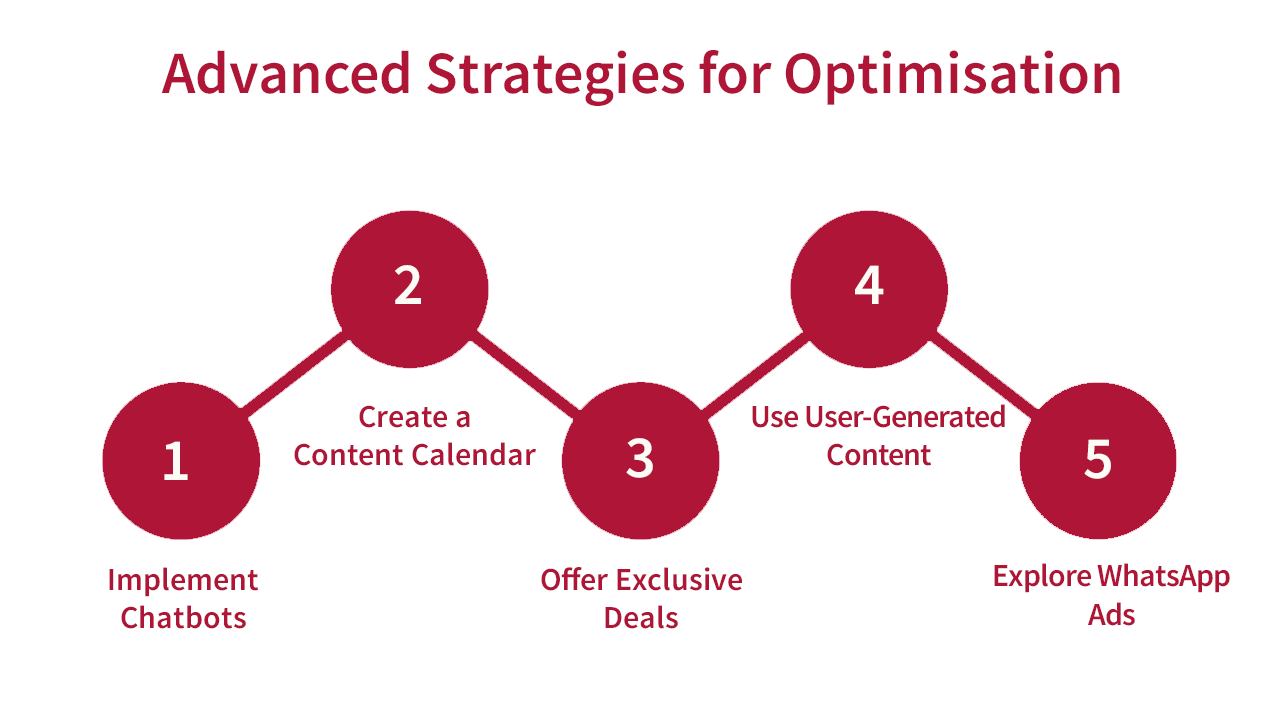
Here are some tactics to consider:
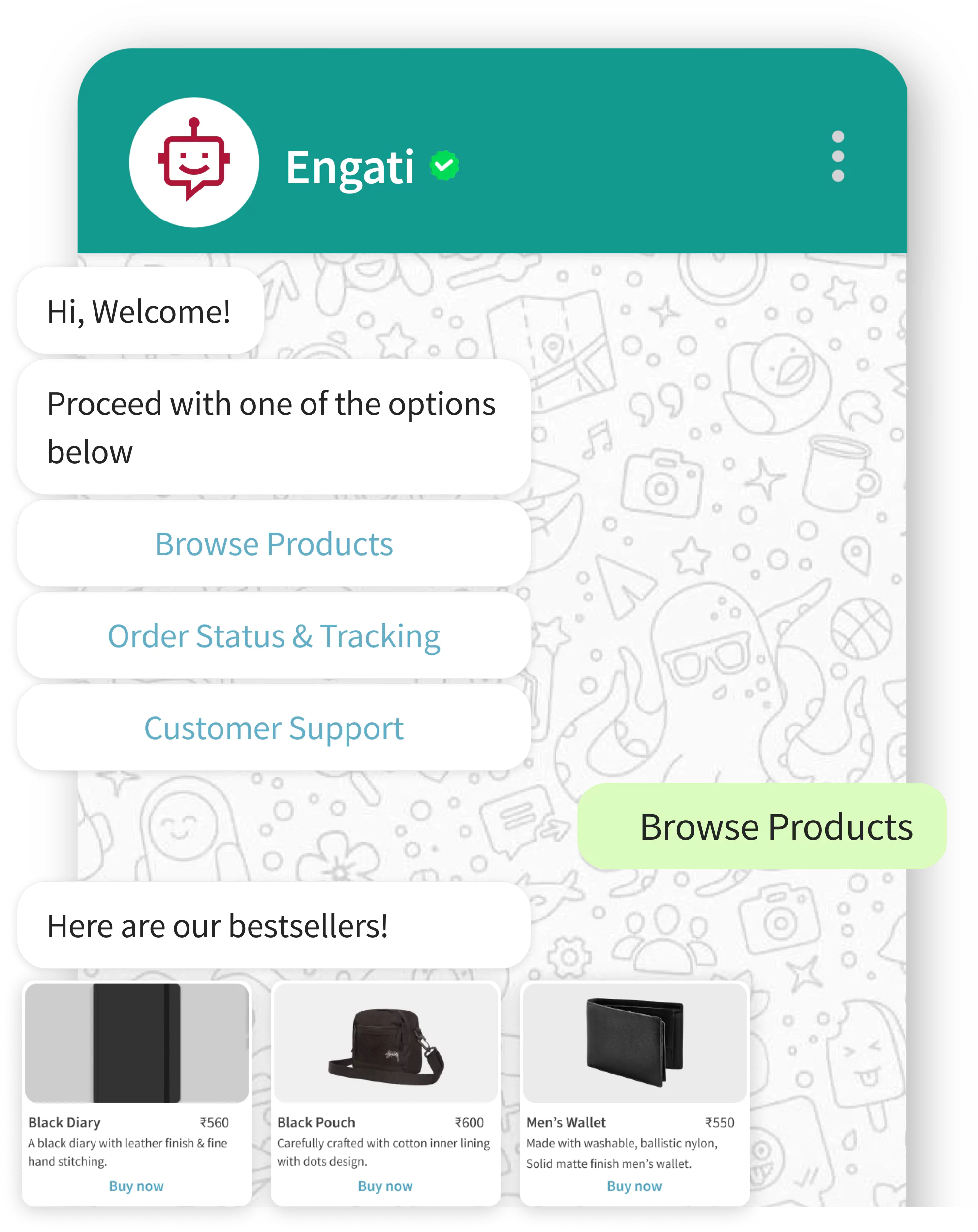
For businesses managing large volumes of inquiries, outsourcing sales functions can be highly beneficial.
This allows external teams to handle customer engagement and sales funnel management, ensuring prompt responses and higher conversion rates while you focus on core tasks.
Setting up and optimising your WhatsApp Business Catalog is essential for driving sales. Following the above steps, you can create a visually appealing and functional catalog that attracts customers.
Keep your information updated and engage with your audience consistently. With the right strategies, your WhatsApp catalog can become a powerful sales tool.
Ready to enhance your business’s sales potential with WhatsApp? Leverage AI integrations in your business strategy and watch your sales soar.

Whatsapp Marketing
Learn how to create a WhatsApp bot in 5 minutes with easy steps. Discover WhatsApp integration tips, explore use cases & get a chatbot demo with free trail.
Whatsapp Marketing
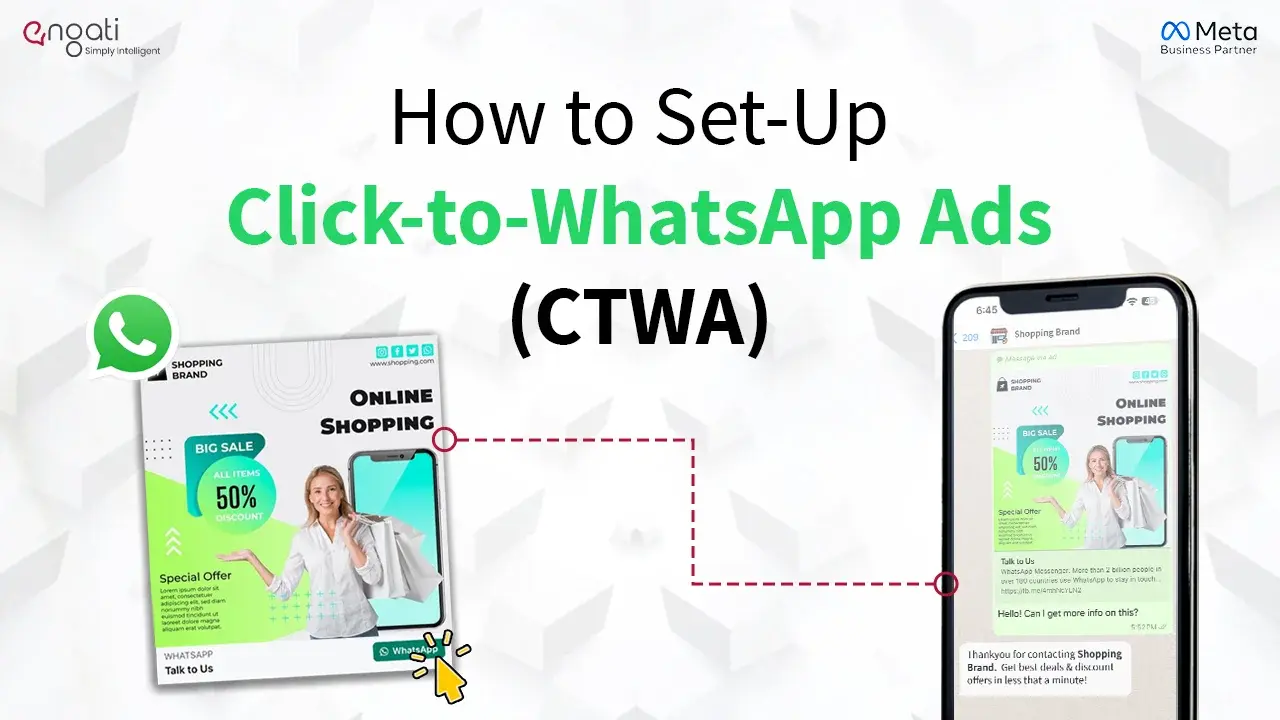
Learn how to easily set up and run Click-to-WhatsApp Ads. With just one click, boost your conversions and connect with your audience in a more personalised way.

Whatsapp Marketing
Discover how to set up, use, and get a verified WhatsApp Channel for your business . Enhance customer engagement and streamline communication effortlessly.