Drive to Reimagine
8 Key Design Principles You Need To Know To Build SaaS Products
key design principles is important to understand why you’re creating that software, what your users and business will accomplish with it, and more! Check it now
Software as a service (SaaS) is an approach to software distribution that works through the cloud delivery model. It either involves a software vendor contracting a third-party cloud provider (for example, AWS) to host the software application, allowing end-users to access it over the internet or the software vendor could host the application on their own cloud platform, which generally happens with large enterprises.
It makes life easier for users since they can access the application over the internet and they do not need to bother installing it or managing complex software and hardware.
Software as a service is also known as on-demand software, web-based software, and hosted software. Users get access to the software on a subscription basis and they generally access it over a web browser, having to log in with a username and a password.
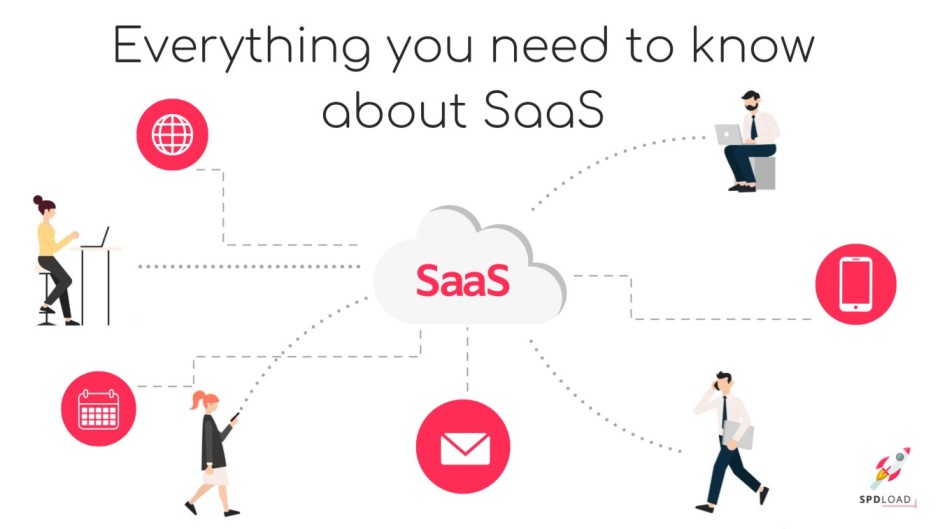
In the SaaS model, the software vendor hosts the application on their own cloud server or contracts a third-party cloud provider to host the application. This makes it possible for the application to be accessed by any device with an internet connection, without needing the under to download and install the software.
The users don’t need to worry about setting up and maintaining the application. They just pay a subscription fee and the software provider takes care of the maintenance. The users don’t even need to worry about buying upgrade packs; they are able to use the latest version when the software provider updates the application.
There are various kinds of services that can be provided through the SaaS model. On the business services side, some examples of SaaS services are ERP (Enterprise Resource Planning), CRM (Customer Relationship Management), billing, sales, customer support, HCM (Human Capital Management), marketing automation, etc.
There is also Document Management offered over the SaaS model which allows users to create, manage, and track electronic documents by using a software application.
Social networks also technically use the SaaS model for convenience. In addition to this, email providers also offer their services using the SaaS model.
The SaaS model can also be used for image editing. Canva is a prime example of such a SaaS service.
The short answer? Yes you can.
The SaaS software available today can be customized for particular and unique business use cases as well as individual customers and users.
In quite a few SaaS products, the user can customize and configure the user interface according to their needs. They can even customize their dashboards to only show them the data is most valuable and relevant to them.
Most products even allow users to toggle certain business features on and off according to their requirements.
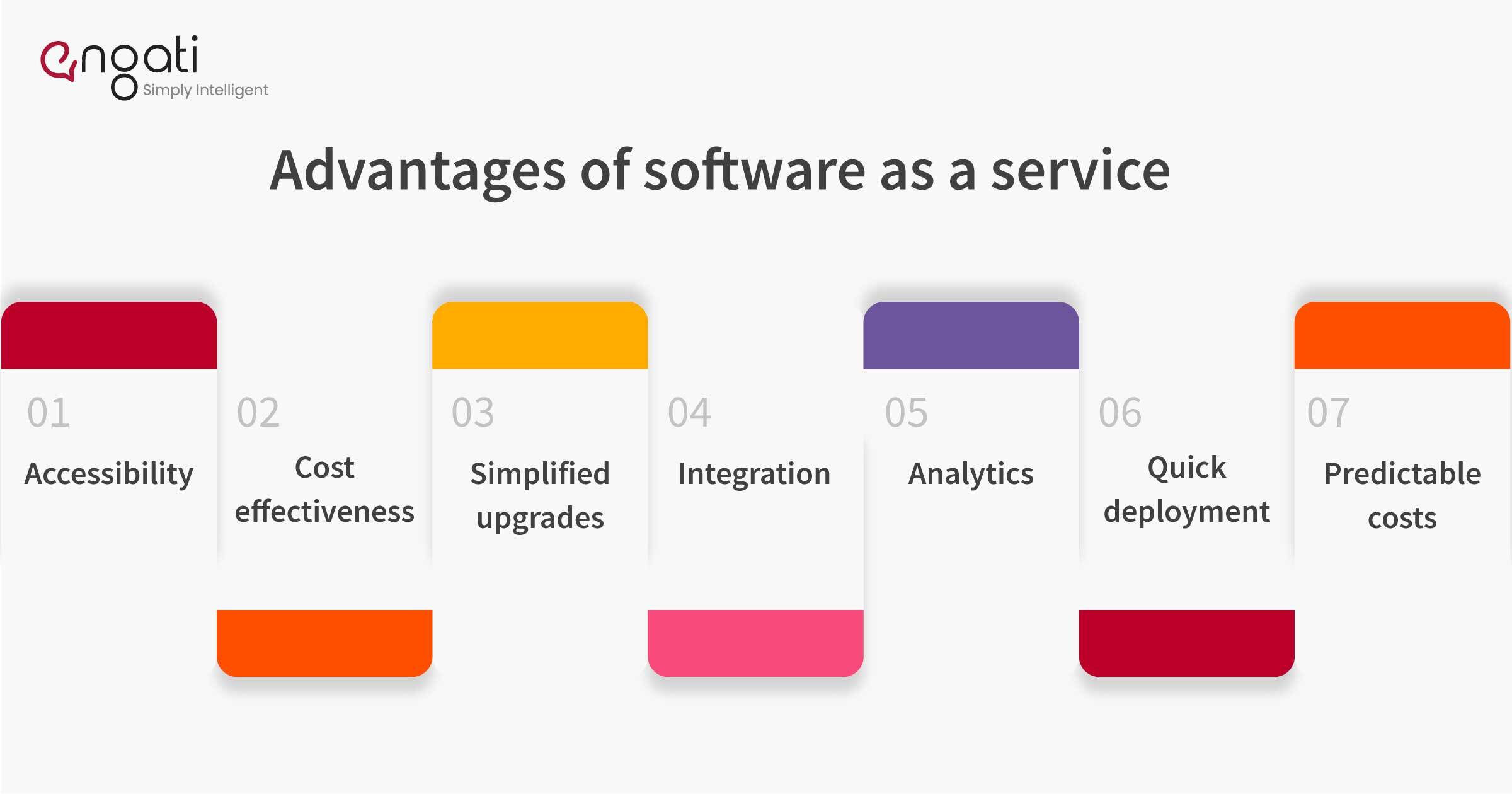
Here are the most significant advantages of software as a service (SaaS).
SaaS applications are accessible from anywhere in the world. As long as you have an internet connection, you can use the application. And since app data is stored in the cloud, you won’t lose any data if your computer crashes.
When you use a SaaS application, you pay only for what you use. Your payment plan scales according to your usage level.
Traditionally, you would have to purchase an upgrade package and install it yourself or pay to get the software upgraded. With SaaS offerings, the vendors themselves upgrade the applications and you get access to them. It helps you scale up seamlessly and helps you business reduce disruptions while maintaining service levels.
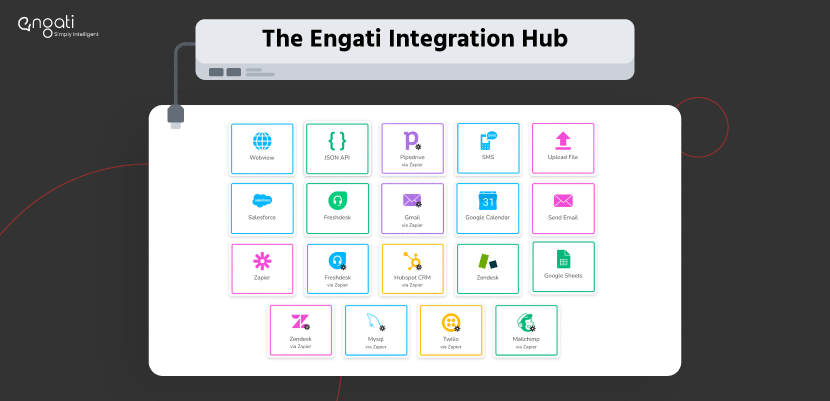
SaaS applications allow you to integrate your solution with other cloud-based applications with great ease.
SaaS services can be accessed and used over a range of devices like desktops, laptops, tablets, phones, and thin clients.
SaaS offerings, especially in the B2B scenario, tend to give you access to advanced analytics, dashboards, data reporting, and intelligence tools.
The SaaS model helps you get onboarded and start using the software much faster than other software delivery models like the on-premise model.
SaaS gets rid of the unpredictable costs that are involved with managing, patch management tools, and updating software and hardware. It turns capital expenses into operations expenses and helps reduce risk because experts are managing the software and taking care of cloud security.
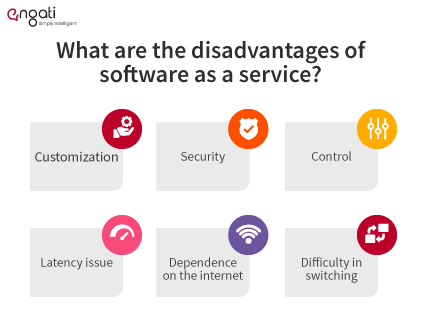
Most SaaS applications do not offer a lot of scope for customizing their applications. However, some vendors (like Engati) do offer customization opportunities if you contact them.
Since the data is not stored on the company’s own servers, they need to be sure that their data is secure. The SaaS vendor secures the application, but the user should also ensure that do is protected.
An organization has less control over SaaS applications than they would have over on-premise software. Usually, the customer cannot delay upgrades and must use the latest version of the application.
Because the data and applications are stored on cloud at variables distances from the end users, it could be possible that the distance would cause a greater degree of latency while interacting with the application in comparison with an application that is deployed locally.
The entire SaaS model is completely dependent on the internet. In the absence of an internet connection, the vast majority of SaaS applications just can’t be used at all.
Switching across SaaS providers is rather tough. It takes a lot of time and effort to transfer large data files over the internet, convert them and then import them into another SaaS tool.
Drive to Reimagine
key design principles is important to understand why you’re creating that software, what your users and business will accomplish with it, and more! Check it now

Tech Corner
With software testing, you'll be able to resolve issues in advance, prevent complaints, and improve performance by verifying every aspect of the product.
Drive to Reimagine
Take your ticketing platform, CRM, and other support and marketing software to the next level. Integrate them with Engati's chatbot + live chat solution now!