Drive to Reimagine
WhatsApp vs Email vs SMS Broadcast - Choose your fighter
Your quest to modernize marketing strategies leads to the same question. Which of the marketing channels, WhatsApp, SMS, and email, is the most effective?
WhatsApp Auto Reply is a feature introduced for the WhatsApp Business app and WhatsApp Business API accounts. It allows businesses to respond with automated messages when a representative isn't physically available to attend to customers. This enables businesses to clearly define their business hours without ghosting any customer and being available for them 24/7.
Three types of auto-reply messages are commonly used on WhatsApp - Greeting messages and Away messages.
Greeting Messages - these are welcome messages automatically sent to introduce the business when customers initiate a conversation with the business.
Away Messages - these messages automatically respond to and acknowledge customers outside of business hours.
Quick replies - these are semi-automated messages that are triggered with a preset keyword, often used to send frequently sent messages to customers. The most common example of a quick reply is a thank you message.
It is obvious that auto-reply is an essential feature for every kind of business.
But why? Let us elaborate.
Instant messaging, in its essence, is meant to be immediate at all times. WhatsApp as a platform has more than 2 billion users available and active at varied times.
Businesses move to WhatsApp to take advantage of this very fact, but unfortunately, this isn't always possible due to reasons like limited working hours and a shortage of human resources.
This is where WhatsApp Auto-replies come in.
With auto-replies, you can always be available to greet and respond to customers even outside your working hours. This allows you to:
This increases customer satisfaction and gives your business an upper hand against competitors. WhatsApp auto replies make life much easier for all growing businesses.
There are two ways to set up and use the auto-reply feature for WhatsApp based on the WhatsApp business platform in use.
One is with WhatsApp Business App, and the other with WhatsApp Business API.
The WhatsApp Business app is like a basic WhatsApp account but made for entrepreneurs and small businesses. It is a free app specially made for a business to interact and communicate with prospective, new and existing customers.
WhatsApp Business app allows you to automate your greeting and away messages along with semi-automating certain quick replies.
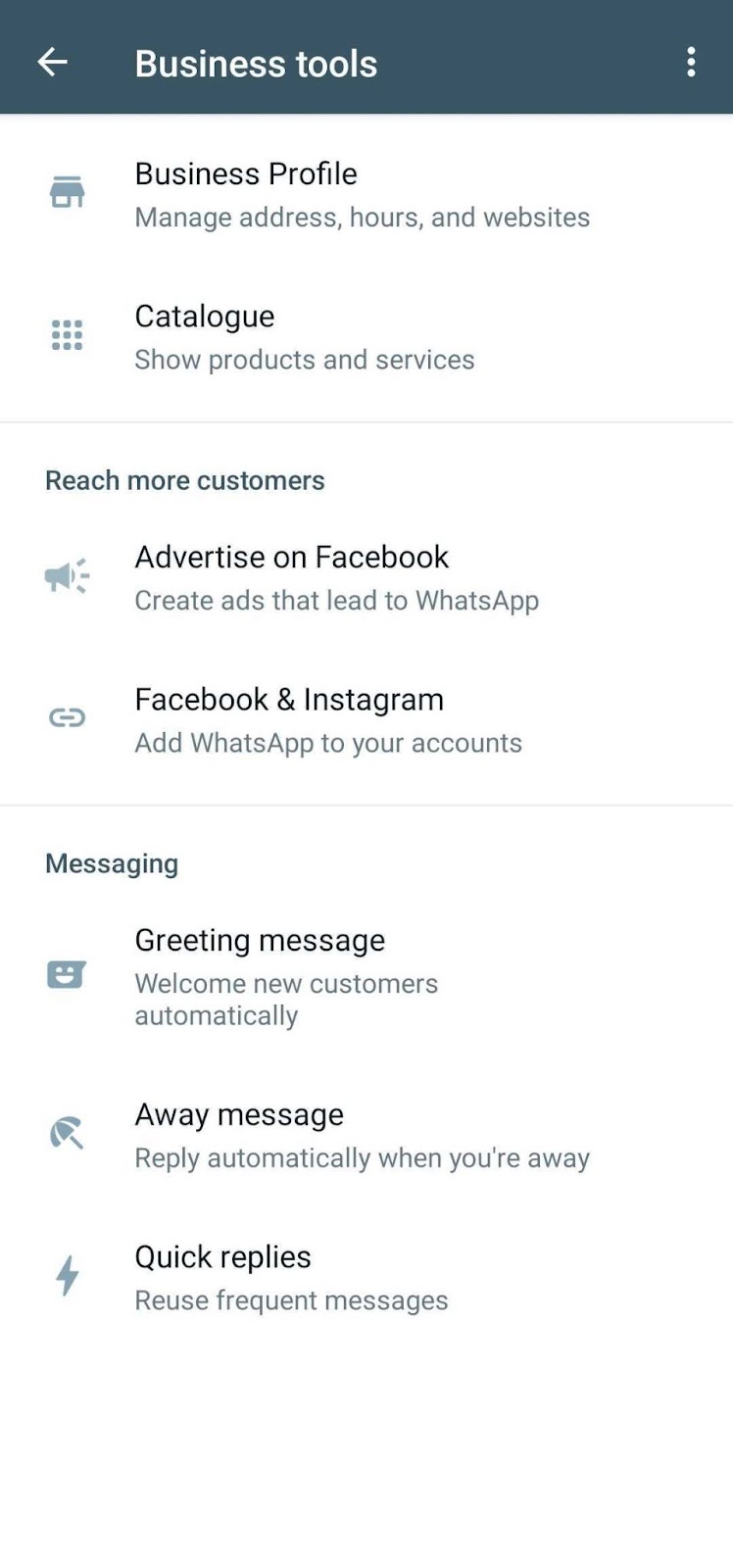
To Set up Auto Replies, you need to:
1. Click on the three dots on the top right, head to Settings, and select 'business tools'.
There you will find the options of 'Greeting message', 'Away message' and 'Quick replies'.
2. Select 'Greeting message', 'Away message' or 'Quick replies' to initiate action.
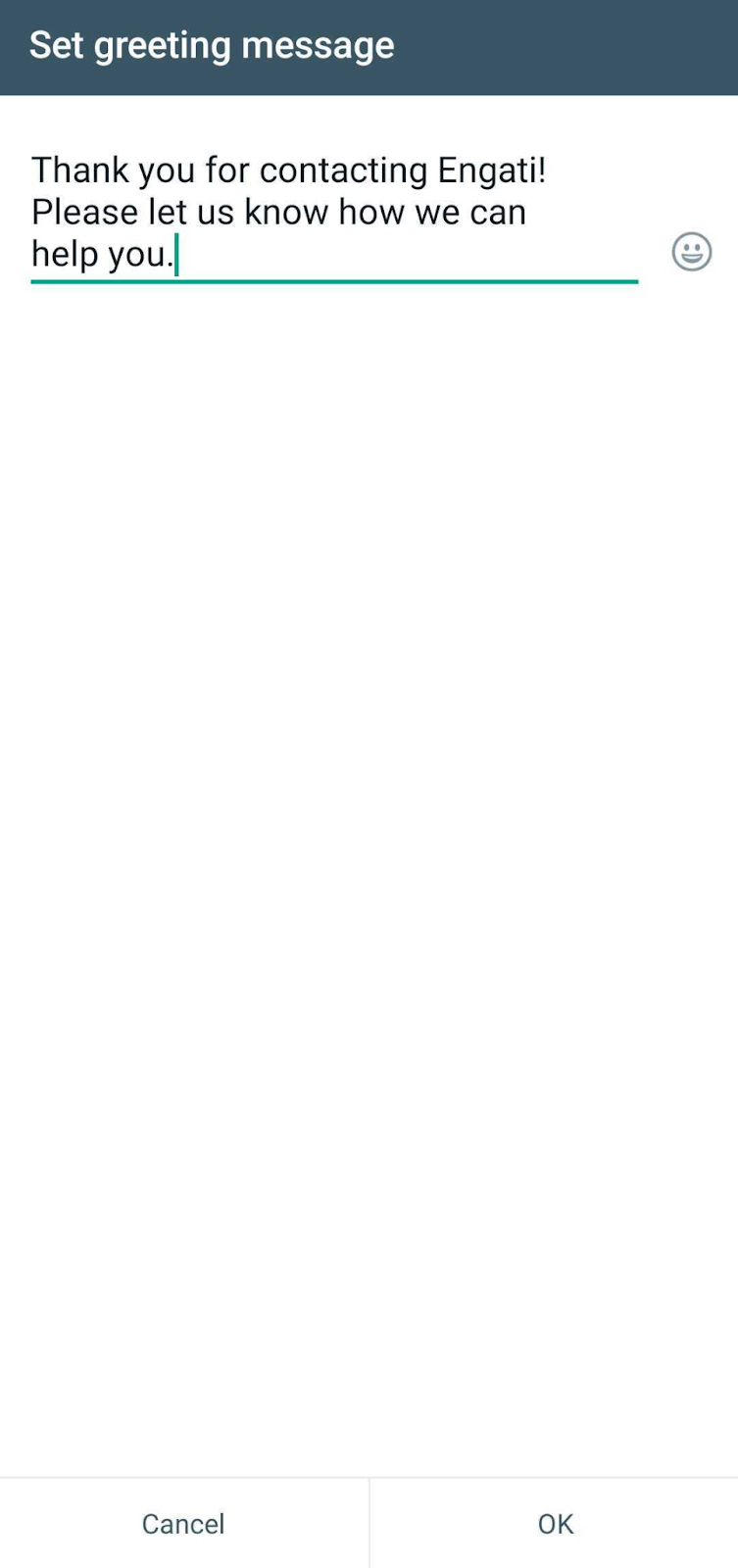
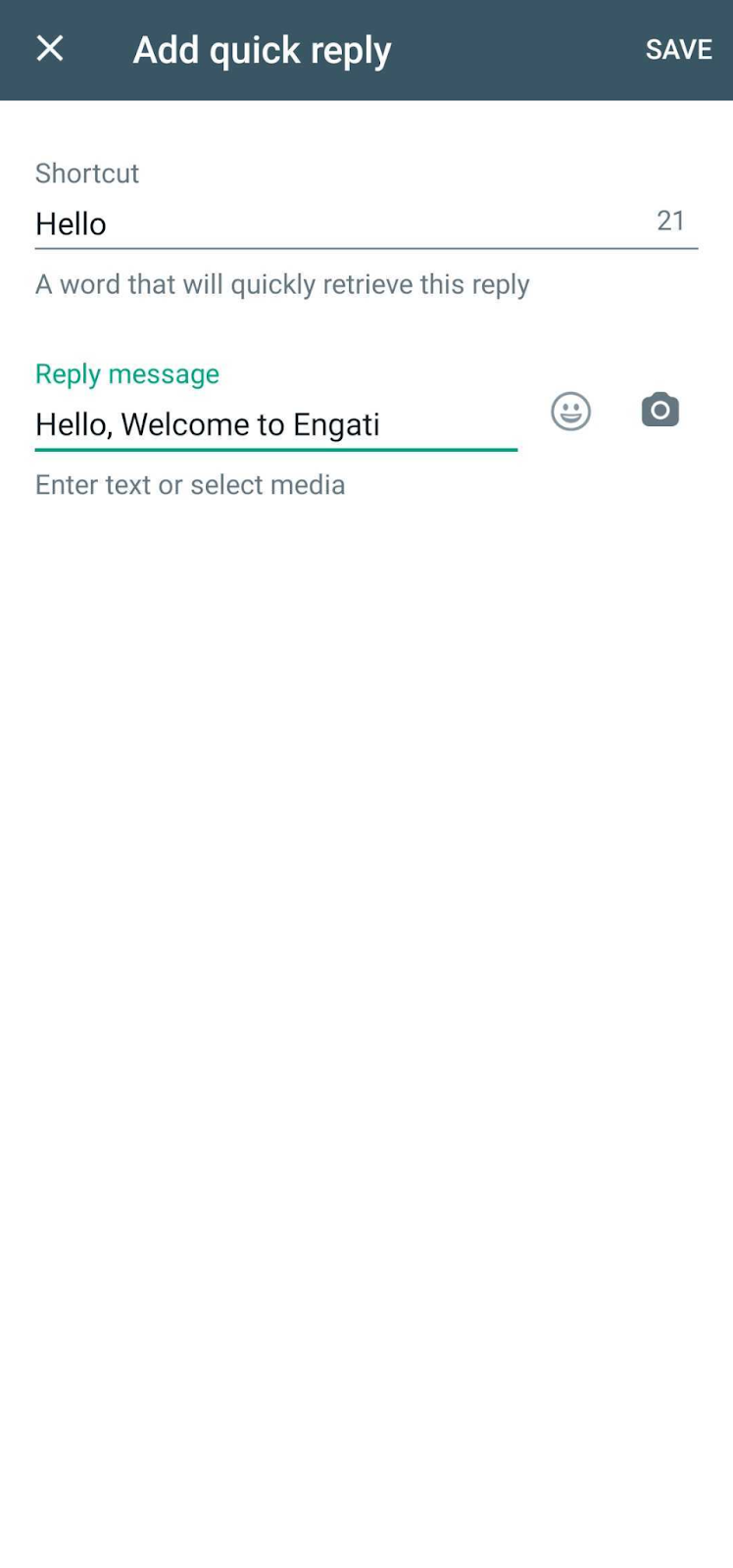
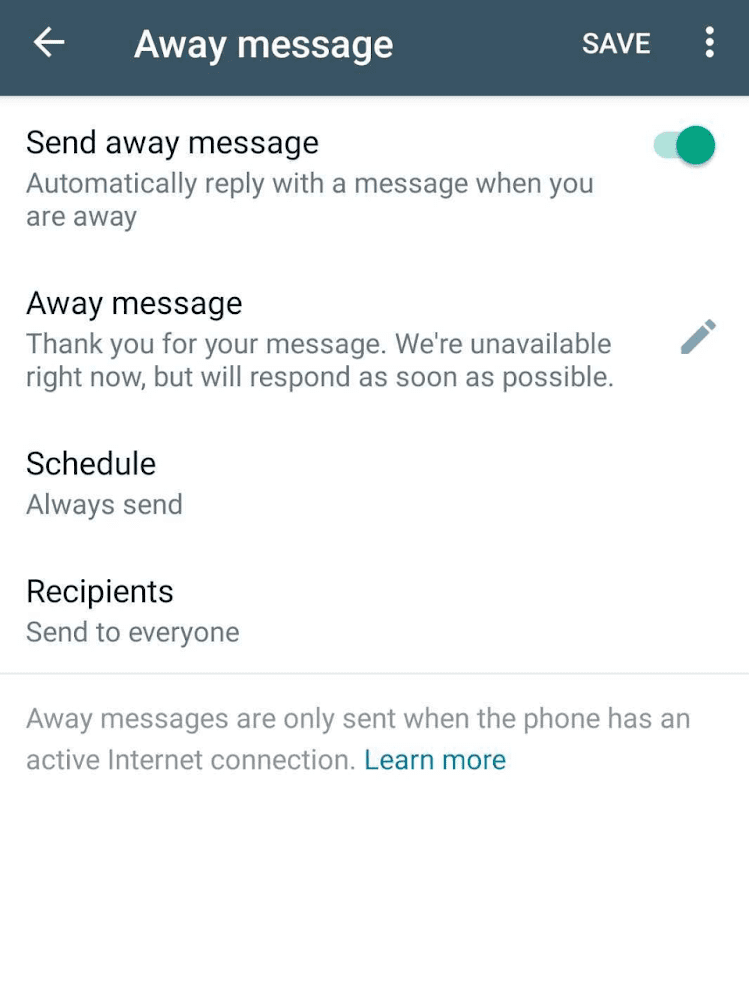
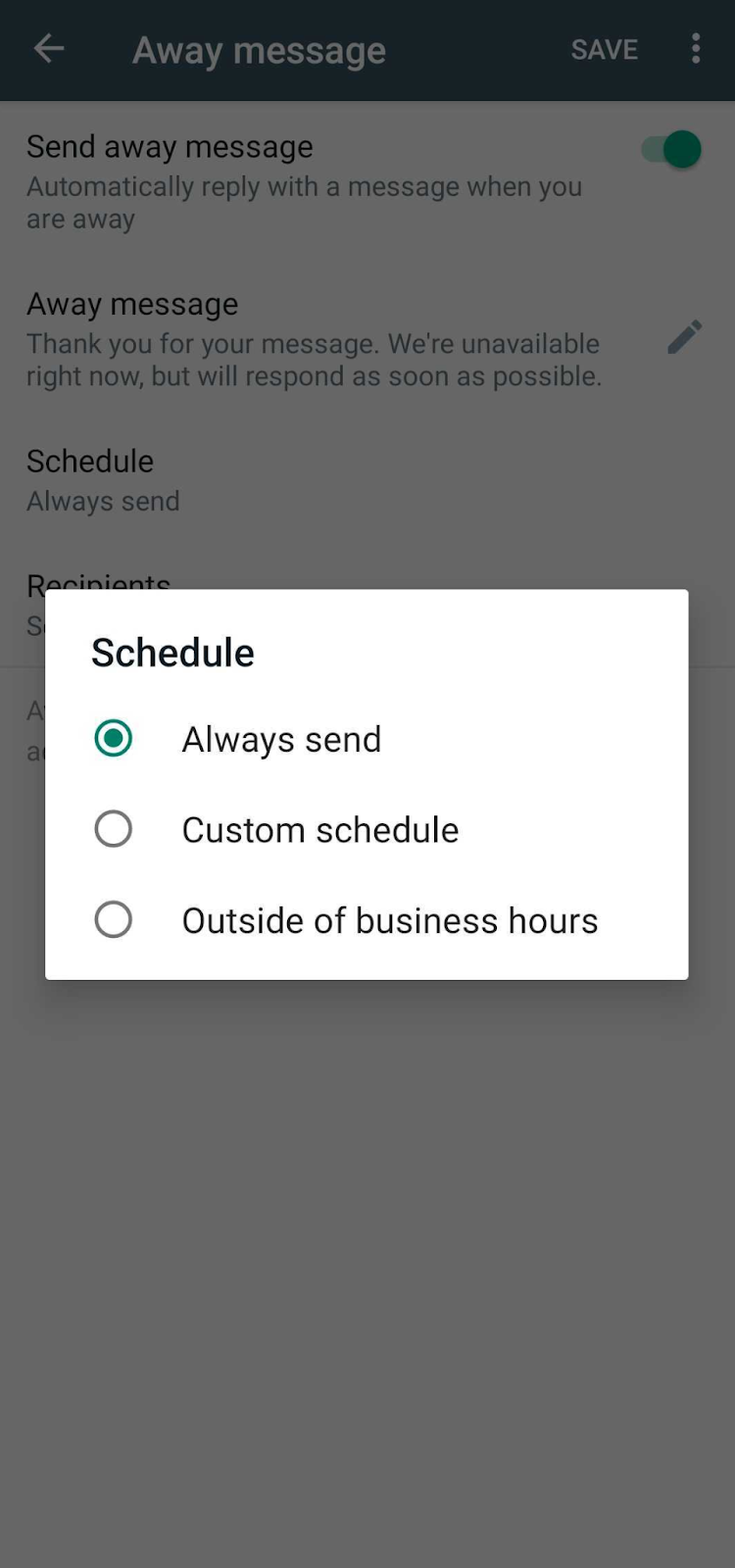
WhatsApp Business also allows you to schedule your away messages.
There are three schedule options.:
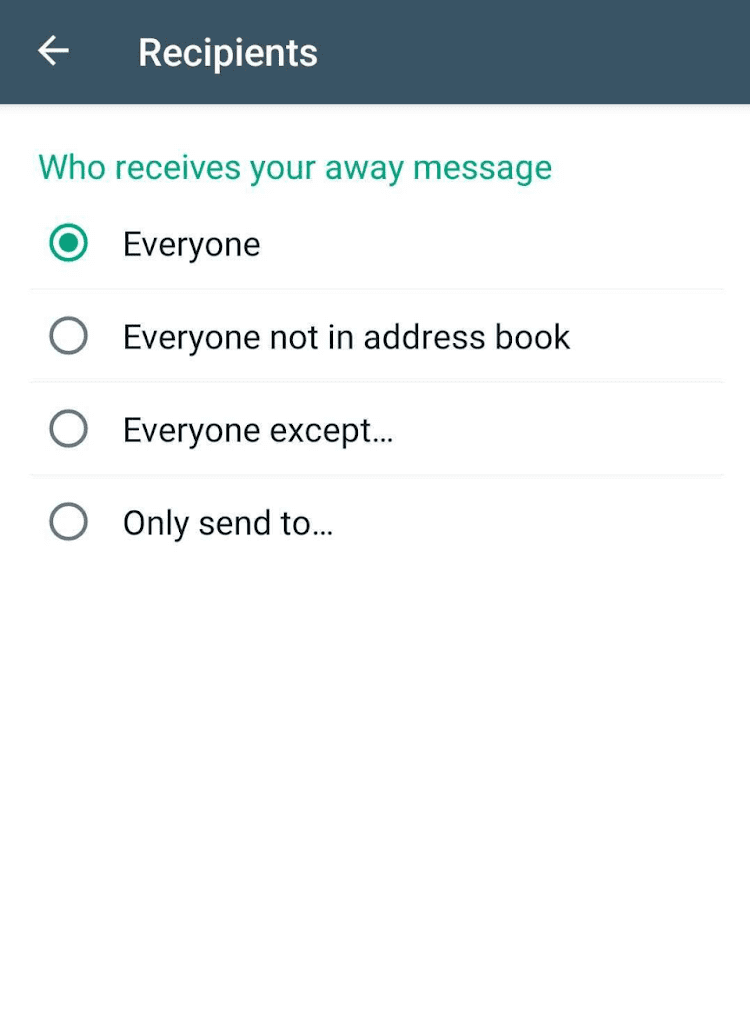
This is the final step with both the greeting message and the away message.
This section gives you the option to customise and select your intended recipients.
These options range from :
WhatsApp Business API is an application programming interface that expands on the WhatsApp Business app. It is a paid back-end interface meant for medium to large-scale businesses to interact with their larger customer base.
WhatsApp Business API can be integrated with a business software or automation tool like that allows you to automate more than just greeting and away messages.
You can automate your business API account using a WhatsApp Chatbot.
What can you automate with a WhatsApp chatbot?
A WhatsApp chatbot allows you to create conversational flows that can automate complete interactions with prospects and customers and engage them 24/7. Chatbots can:
You can easily set up your Auto-reply on WhatsApp Business API by partnering with a business solutions brand like Engati.
With Engati, you can build your own rule-based or AI-programmed chatbot within minutes, create multiple conversational flows for both new and existing customers, and train your bot to interact with customers, provide necessary information, answer FAQ(Frequently Asked Questions) and send away messages if a customer wants to interact with you in the duration of your absence, without the need for any human intervention.
To know how to set up a WhatsApp chatbot with Engati, check out our blog on “How to Create WhatsApp Chatbot in 5 Steps [For Free in 2023}”.
Drive to Reimagine
Your quest to modernize marketing strategies leads to the same question. Which of the marketing channels, WhatsApp, SMS, and email, is the most effective?
Drive to Reimagine
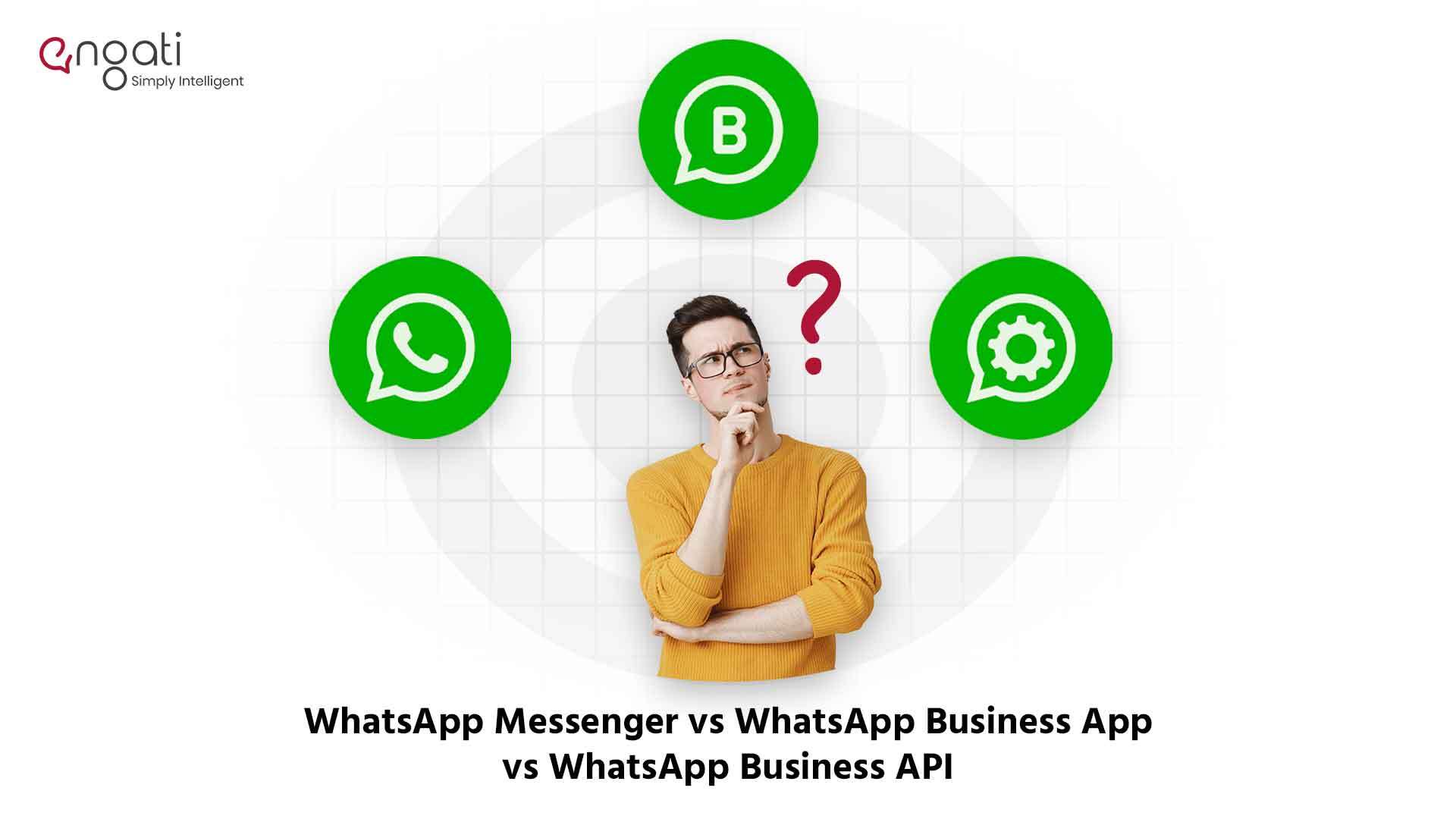
Confused whether to use WhatsApp Messenger, the WhatsApp Business app, or the WhatsApp Business API? We're showing you how they're different from each other.
Whatsapp Marketing
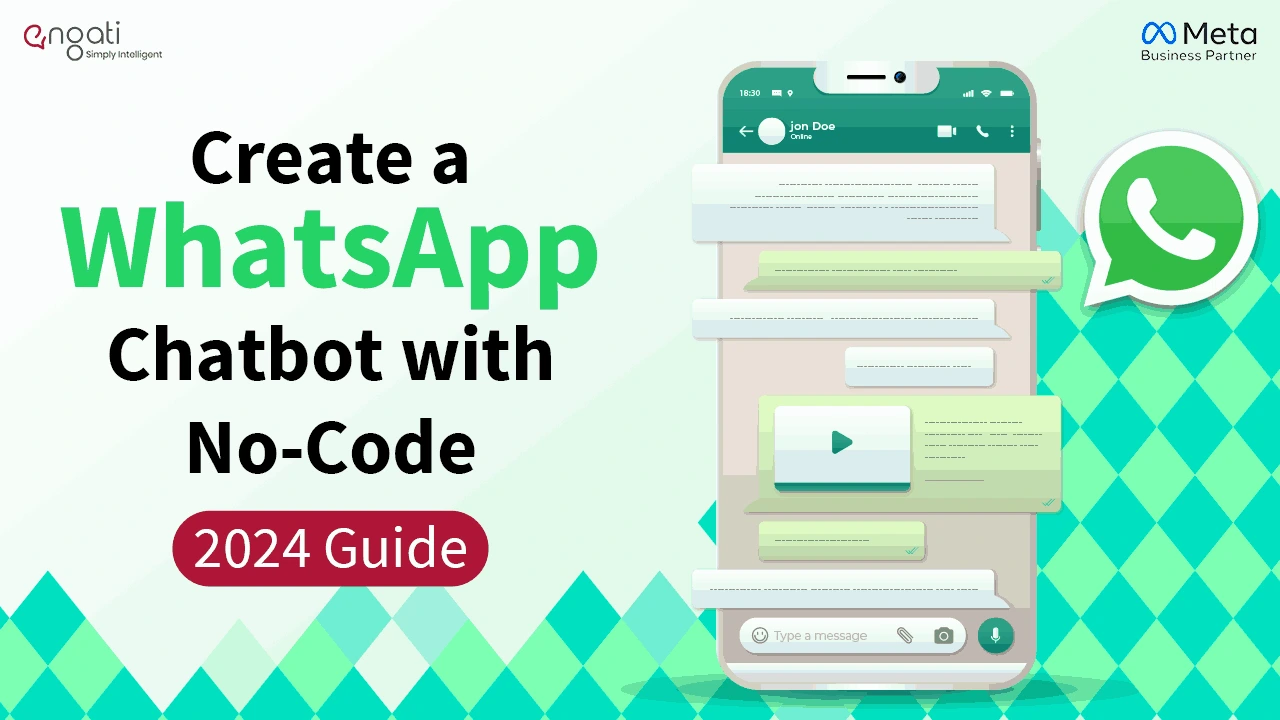
Learn how to create a WhatsApp bot in 5 minutes with easy steps. Discover WhatsApp integration tips, explore use cases & get a chatbot demo with free trail.