Whatsapp Marketing
Create WhatsApp Bot for Free in 5 Mins With No Code (2025)
Learn how to create a WhatsApp bot in 5 minutes with easy steps. Discover WhatsApp integration tips, explore use cases & get a chatbot demo with free trail.
WhatsApp Broadcast is a feature that allows individuals or businesses to send messages to multiple contacts at once. Using this feature, one can share messages, multimedia, attachments, locations, links and more with their contacts without letting the recipients see or interact with each other.
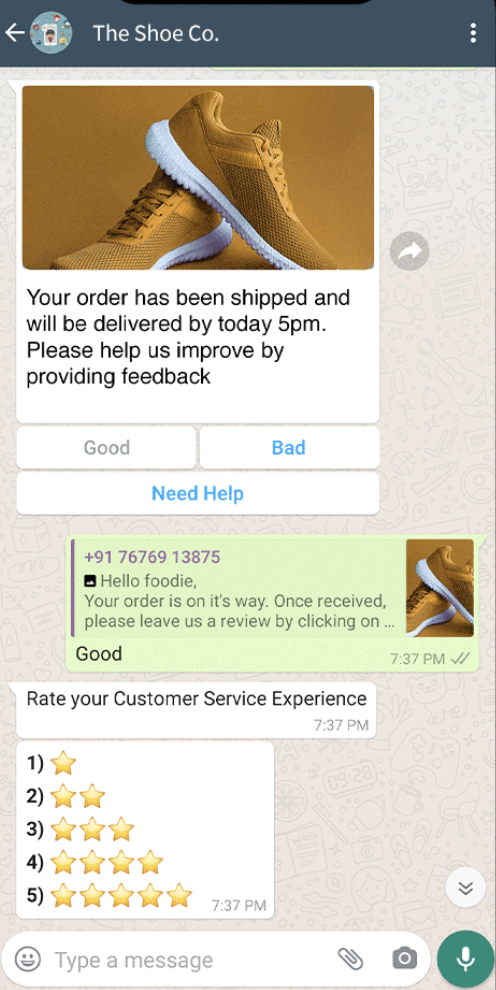
WhatsApp Broadcast is a key feature of WhatsApp business. But what are the key features of WhatsApp Broadcast that makes it so important?
No matter how many people you send a WhatsApp broadcast to, each recipient will always receive the message separately. Hence, whenever a prospect replies, it will automatically start a direct/ personal chat with the user.
There is a limit to the number of recipients one can add to their WhatsApp broadcast list. This limit is set to 256 users or contacts for WhatsApp and WhatsApp Business app users. It extends in number once a business switches to WhatsApp Business API and integrates with a third-party business solutions provider.
Engati's WhatsApp chatbot allows you to send WhatsApp broadcasts to 10k+ people.
Unlike WhatsApp Groups, recipients in Broadcast List are unaware of being a part of a Broadcast list. These lists are designed for one-way communication only. Therefore, whenever a prospect reverts, the thread opens up as a private chat between you and the user.
WhatsApp allows you to create an infinite number of broadcast lists. There is no given limit to the number of broadcast lists an individual or business can build on the platform.
This is one of the salient features of a WhatsApp broadcast. WhatsApp Business users can name each broadcast list for ease of reference. This allows them to segment leads based on specific attributes like their buyer's intent, interests, location etc, and add them to targeted broadcast lists for better results.
Engati's WhatsApp chatbot also enhances this feature by enabling user and customer segmentation options, along with scheduled broadcast campaigns. This allows businesses to make the most out of the feature.
There are two ways to create a WhatsApp broadcast list:
A.
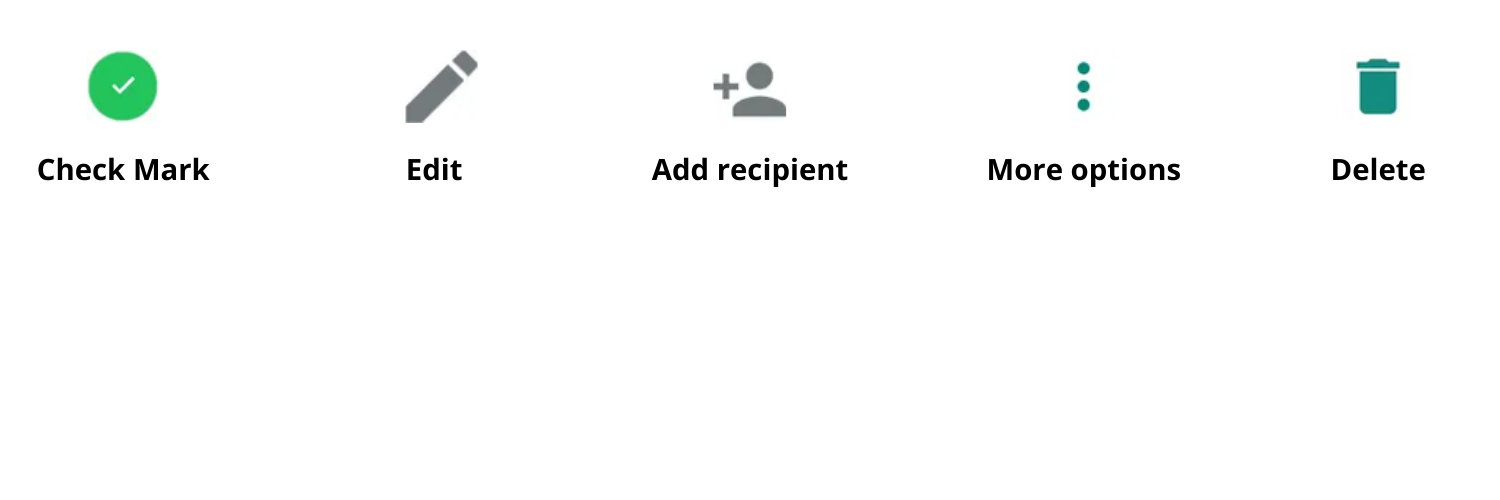
Open WhatsApp > and click on the 3 dots "More options" icon on the upper right corner of the screen (besides the search icon).
Search, Click or Select all the contacts you want to add.
Tap the round "Right/Check Mark" icon at the lower right corner.
Start broadcasting or sending messages.
B.
Open WhatsApp > and click on the new chat button/icon at the lower right corner.
Click or select all the contacts you want to add.
Two options will appear on top of the screen > select NEW BROADCAST.
From here you can add the list of users you want to target and start broadcasting messages for your marketing and sales campaigns.
These are the two ways you can create a WhatsApp Broadcast List.
Messages or Multimedia shared here will be sent to all the participants added in the list. All recipients will receive the notification of these messages as normal message/chat on their screen. They can accordingly revert or engage with you from the same chat.
Open your broadcast list.
Click on those 3 dots "More options" icon on the upper right corner of the screen > go to Broadcast list info.
You can add a recipient by clicking on the "Edit" icon on the screen or the icon on the top right corner of the screen.
You can also change the name of the broadcast from here by clicking on the small pencil/pen "edit" icon beside the name of the broadcast.
If you want to remove someone from the list, you can simply long-press that contact >, and click on the "Remove XYZ's from broadcast list" option.
Long-press/ tap and hold the list you want to delete.
Tap the "Delete" icon to delete the list. You can choose whether to delete media from the chat or not.
|
WhatsApp Broadcast |
WhatsApp Group |
|
WhatsApp Broadcast is designed for one-way communication. Anyone who reverts to a WhatsApp broadcast message will automatically land on a private message with the sender. |
WhatsApp Group is designed for two-way or interactive communication, where participants can revert and message in the group itself (as per the group settings) |
|
No one can trace back the participants added to the Broadcast List other than the creator of that list. |
Participants/recipients can see all the group members added to the WhatsApp Group Chat. |
|
As a one-way communication broadcast, it doesn’t have settings like group admin, enabling chat only for admins, etc. |
WhatsApp Groups allow you to use settings like adding one or more individuals to the group or as Admin, and enabling chat only for admins, etc. |
|
Recipients/participants can not exit or leave the Broadcast List, as it’s one-way communication. |
|
|
We can’t invite contacts to join a broadcast list via a link. One needs to add recipients to the list manually. |
|
You should be very clear about the message you want to convey. Since most customers barely read through texts, they must be able to understand the message even if they scan through your message.
Keep your messages concise and crisp. Customers do not have the patience to go through long texts.
Even though it's a text message, it should appeal to your customers. To grab and hold their attention, use spacing, different fonts, sizes, and styles. Also, improve your format by adding A. Header- multimedia, links and texts, B. Body- main text and C. Footer- Thank you or concluding line to make your message look complete.
It's easier to pick up and process visuals compared to text. Emojis will help you break elongated texts and also help in recalling the messages for your customers. Emojis are also cute and fun, which makes them more interactive and engaging for customers.
Customers may not be patient enough to go through your entire message. This is where images come in handy. Creative or descriptive images help catch customers' attention and build their interest in your message/product.
You cannot add too much text to your messages, even if there's a lot of important information you need to convey. In such cases, it is best to provide source links and redirect customers to show resources and showcase additional products.
CTA is where your audience engages with you directly when you need them to take action in your favour. To ensure this, add CTA's which actually excite and drive your audience to click and take action.
When in Rome, do as the Romans did. WhatsApp is a messaging app. Make sure your communication is conversational, and give a human touch to your messages. Make customers feel like they are talking to a real person. Robotic and monotonous messages do not sell.
Incite emotions with your messages. Emotion-driving campaigns tend to work better. You can try to create the feeling of FOMO and urgency by promoting exclusive deals, limited-period offers, etc.
Everybody loves to forward interesting messages on WhatsApp. If your content is shareable, your customers will attract more customers for you.
Pro tip: You can also run referral campaigns to engage more audiences.
You broadcast your messages to multiple customers. Some of them reply to you at the same time. It is important to engage all of these customers, at once, in real time. Instant replies to customers help increase engagement rates, and lead to more conversions. But you cannot reply to all of them alone. This is where Engati's WhatsApp chatbot can undertake all your conversations simultaneously and respond instantly
With Engati's WhatsApp chatbot, there's a lot you can do to elevate your customer experience game. The chatbot can send instant replies to your customers, even in your absence. It allows you to group and label different customers together and even personalise messages focused on different customers. You can set up automatic replies to answer customer queries. The chatbot can also recommend products based on customer preferences.
Plan out your messaging strategy properly. You may have a lot of contacts on your broadcast list, but sending constant repetitive messages to them does not look good. Spamming customers will only encourage them to block you. Instead, time your messages in accordance with your customers
You can add multiple contacts to your WhatsApp Broadcast list and simultaneously message them to inform them about new products and promotional campaigns.
WhatsApp is an essential marketing tool for you. However, for your customers, it's still a social media channel they use for personal communication and not as a marketplace. Your customers don't use WhatsApp with the intent of shopping. For them, it's just a convenient way of engaging with businesses.
If you keep spamming them with messages, you are causing inconvenience to them. This can result in them unsubscribing from your channel. Similarly, if you message too less, you won't be able to establish a strong communication channel with your users.
Therefore, there is no set frequency to which you have to stick to. You will have to determine your own frequency. It could be different for different types of messages and may also vary for different sets of customers. Personalise your process and get the best results.
Pro Tip: Initially start up slow, then slowly increase your frequency and optimise according to the success of your broadcast campaigns.
Just like the highlighted features, WhatApp Broadcast also has its limitations.
Here are some limitations of WhatsApp Broadcast for WhatsApp Business apps.(along with a suitable solution).
There is nothing but one solution to all these problems. Automation.
Businesses can use 3rd party applications or chatbot integration to schedule broadcast messages and run broadcast campaigns on WhatsApp API. Not just that, WhatsApp solutions by Engati does not merely allow you to schedule broadcasts and notifications, but also to increase your broadcast list limit to 10000 customers and practice user segmentation that allows you to separate different prospects based on selective attributes.
This was everything you can and should know about WhatsApp Broadcasts.
Whatsapp Marketing
Learn how to create a WhatsApp bot in 5 minutes with easy steps. Discover WhatsApp integration tips, explore use cases & get a chatbot demo with free trail.
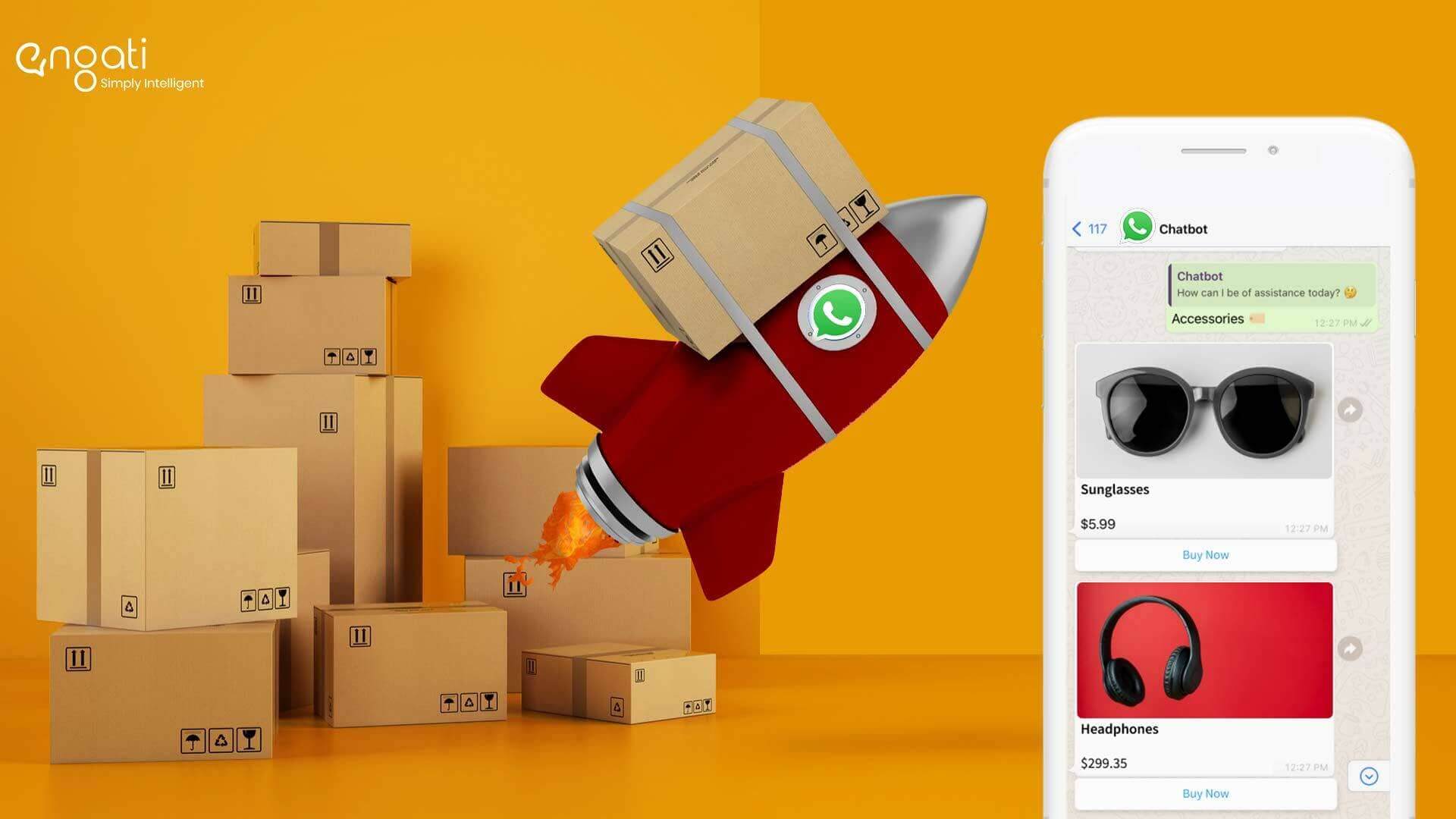
Drive to Reimagine
Ready your eCommerce business for the future. Reach your customers and drive sales, the channel they use the most with smart WhatsApp chatbots for eCommerce
Drive to Reimagine
Your quest to modernize marketing strategies leads to the same question. Which of the marketing channels, WhatsApp, SMS, and email, is the most effective?